
Product
What lands in your project folder
Every building starts with the same tectonic logic: floors that carry load, walls that divide space, ceilings that close it, and openings that connect it.

Classified components, not loose geometry
That structural core is what click2BIM models automatically today, reconstructed directly from your scan.
Every element is placed tectonically correctly and built from objects selected out of our BIM element library. Not loose geometry: real, classified IFC components you can select, schedule and edit in the tool you already use.
The elements, with their IFC classes
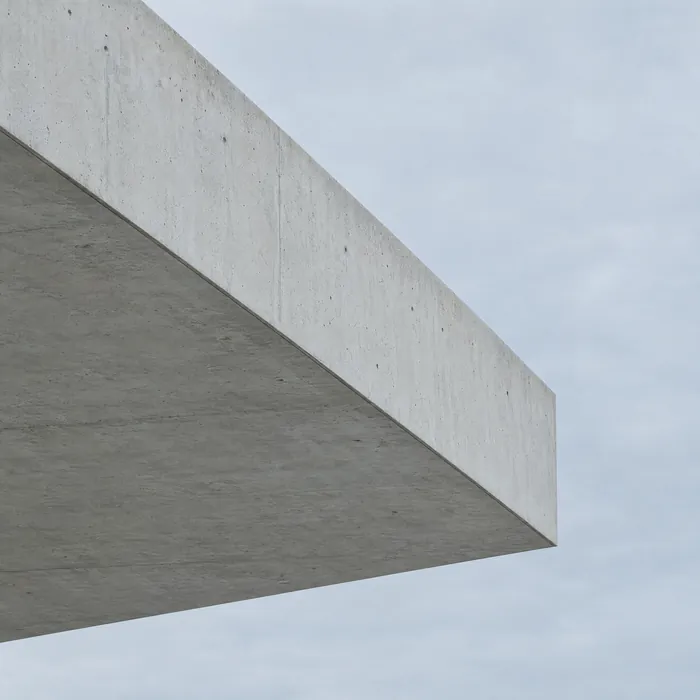
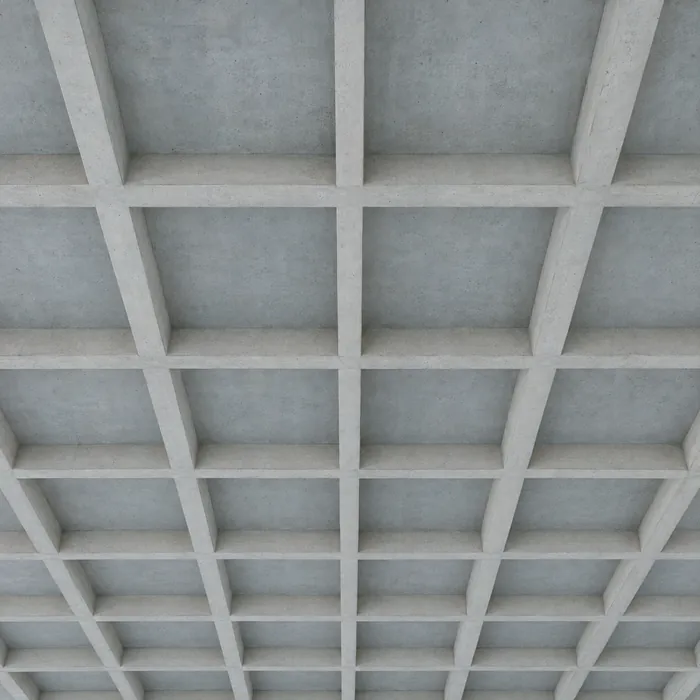
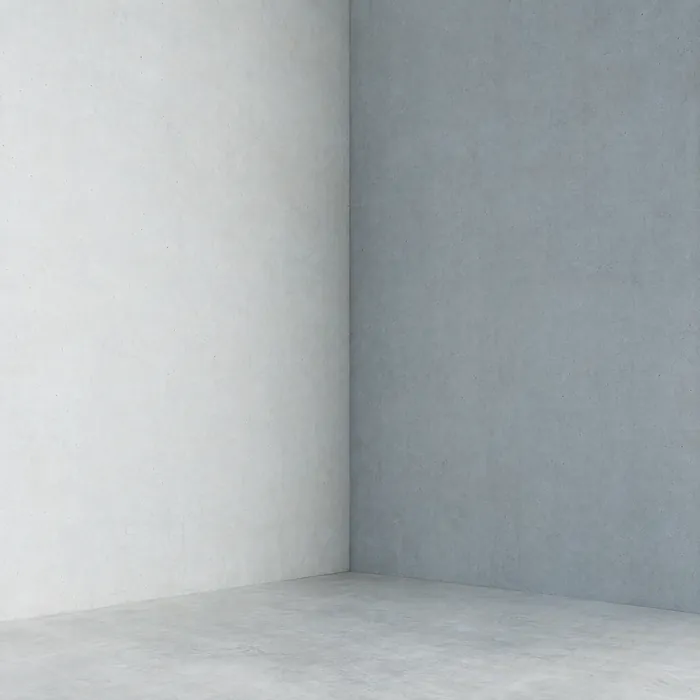
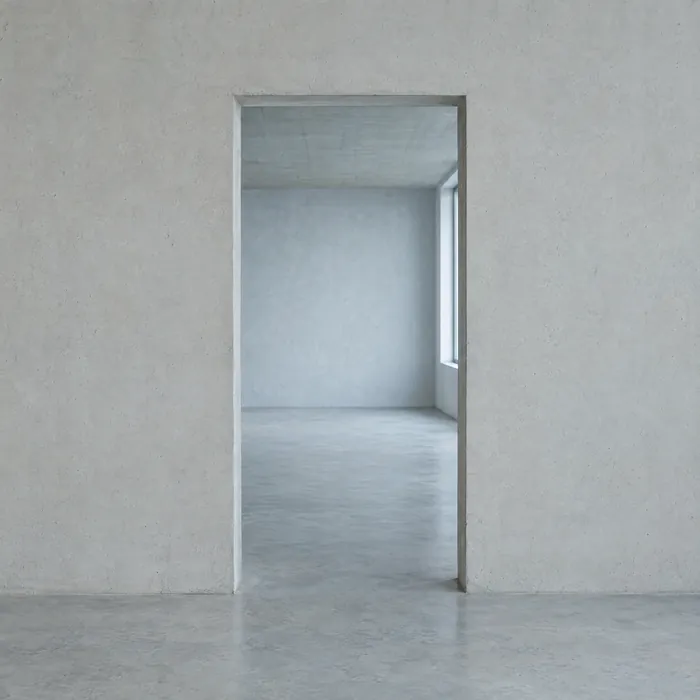
- IfcSlab · Floor slabsEvery storey level detected and modelled.
- IfcSlab · CeilingsClosed above each storey.
- IfcWall · WallsCorrect thickness, height and alignment.
- IfcDoor · DoorsHosted in the walls, sized to the opening.
- IfcWindow · WindowsGlazed openings placed in every facade.
Coming soon. Roofs and stairs. Native PLN and RVT export.
The point cloud, slimmed
Alongside the model, you can take your scan home as a click2SLIM LAZ file — slimmed so it opens on a standard office laptop, with the geometry that matters kept at full density. €25 on its own, or €10 with your model.
See click2SLIMPoint cloud to IFC: formats and limits
- Upload formats.e57, .las and .laz.
- Maximum file size100 GB in a single file. One uploaded file produces one IFC model.
- Delivered asA structured IFC model, schema IFC 4.3.
- In developmentNative PLN and RVT export.
- TurnaroundMinutes.
Start with one building
Register, drop a scan, and look at what comes back. You see the model and the price before you decide.