
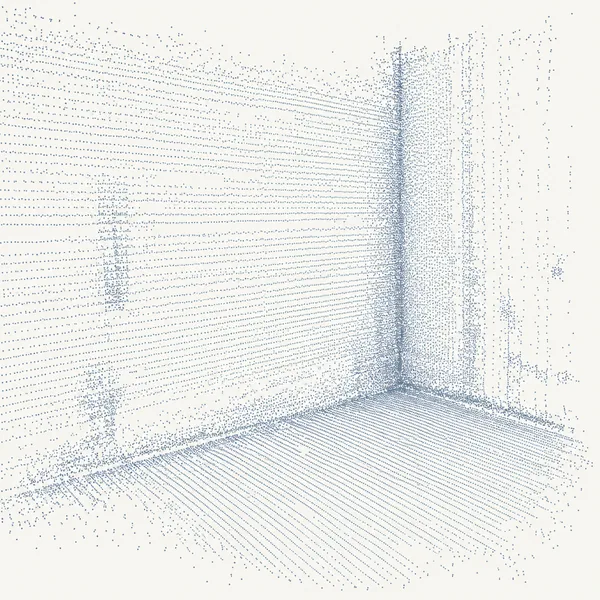
01
Point cloud
Your scan, up to 100 GB in a single file. One file produces one IFC model.
Product
Four steps, and you can follow every one of them.
01
Your scan, up to 100 GB in a single file. One file produces one IFC model.
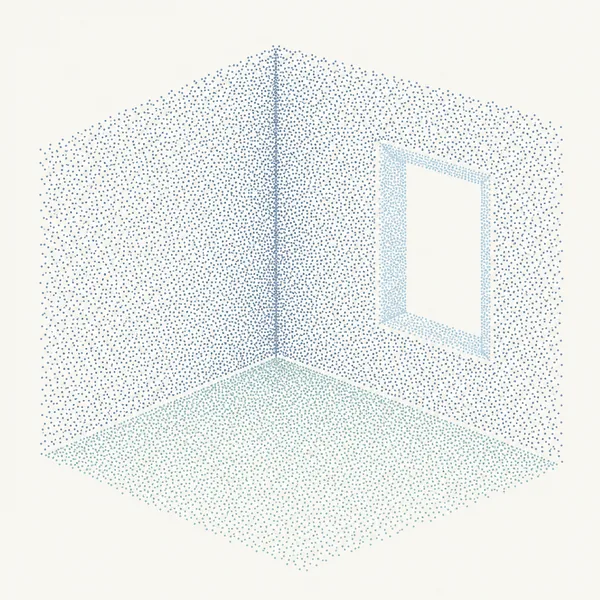
02
Building elements are identified in the scan and separated from one another.
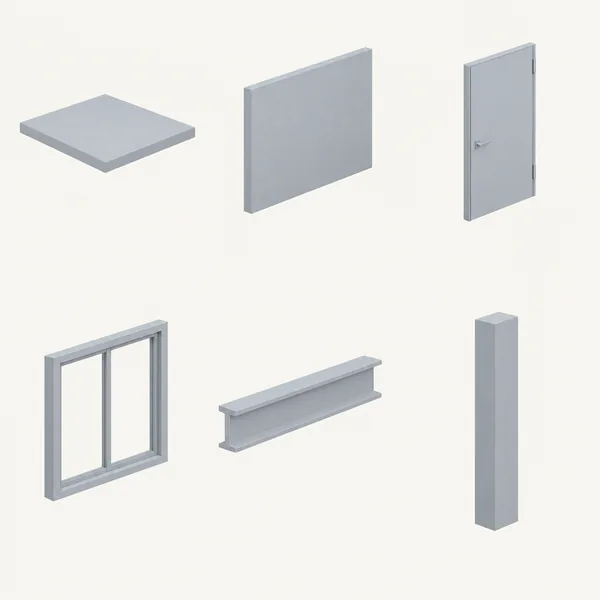
03
Each element is matched to an object from the BIM element library.
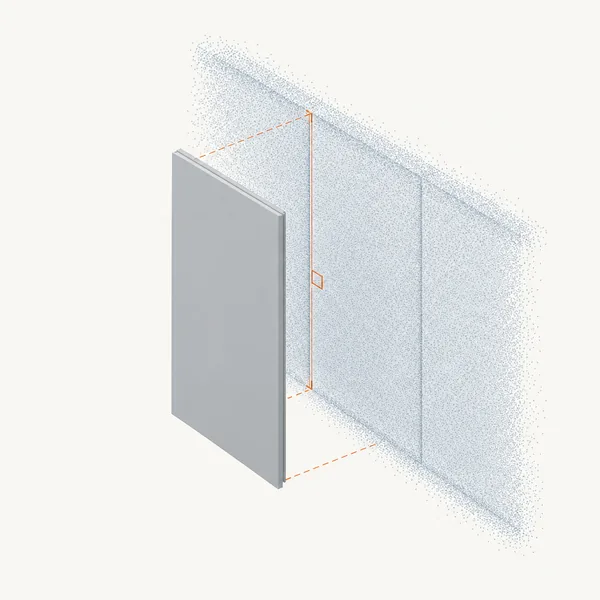
04
Objects are placed, oriented and sized against the scan geometry.
A clean, structured BIM model, delivered as IFC.
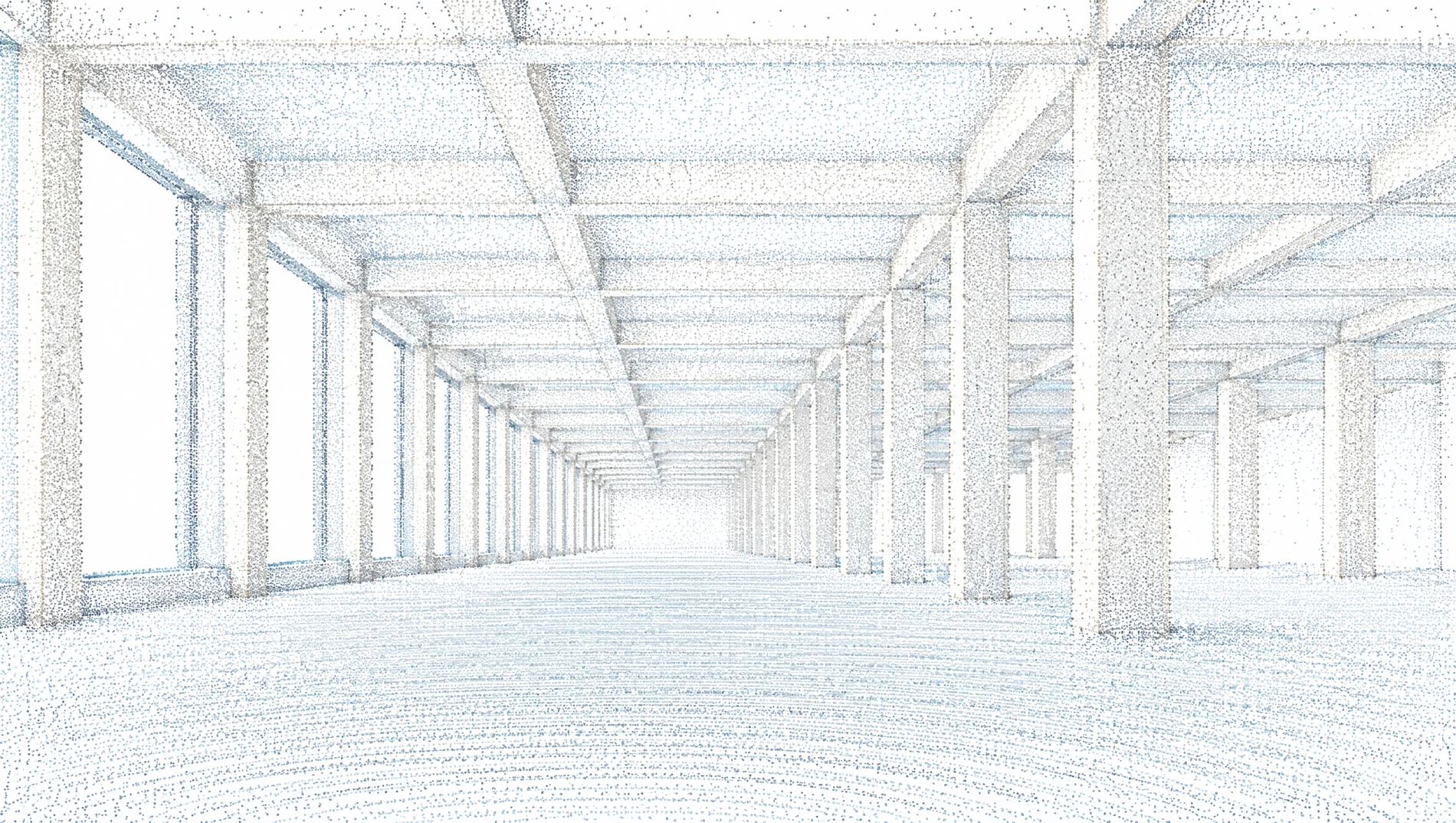

For best results, optimise your point cloud first: remove unnecessary data and limit the surroundings. A tighter cloud is a faster, cleaner model.
The sequence after that is always the same: register, upload, see the floor area, the price and your model, then pay only if you want the file.
Register, drop a scan, and look at what comes back. You see the model and the price before you decide.